Feature
Whiteboard
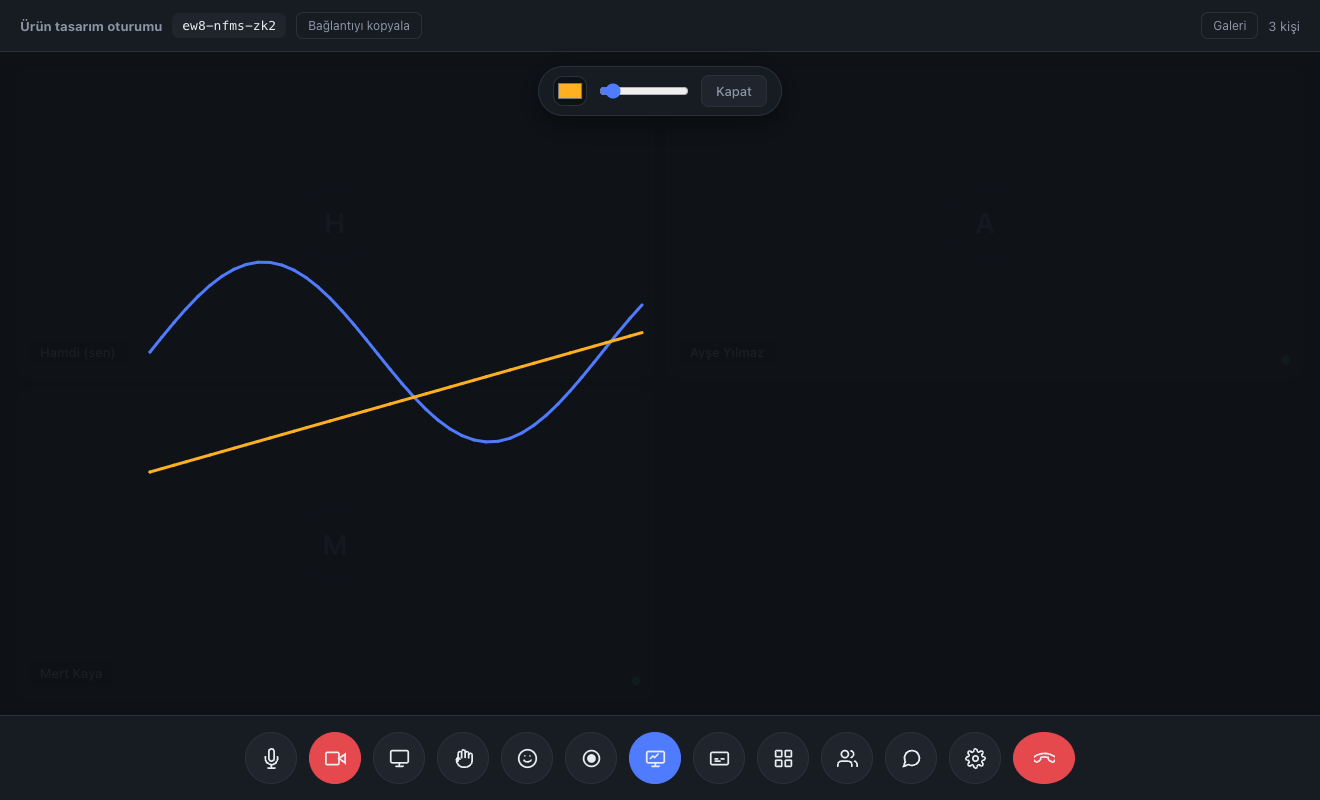
Everyone draws at once. Whoever joins later finds the board already filled in.
No app, no plugin, no account. They click the link and they're in the meeting.
See plansWith nobody taking notes, what was said, what was decided and what comes next were all written up.
How it worksThanks to the fixed room code they set the calendar invite up once and never sent a link again.
Read the storyA 15-minute live demo: try it with your own team, ask your questions, then decide.
Request a demoEveryone draws at once. Whoever joins later finds the board already filled in.
Some things can't be explained in words. An architecture diagram, a maths solution, a page layout. Sharing your screen and pointing isn't enough — the other side needs to write on the same thing.
No taking turns. You draw while the other side draws, and both appear instantly for everyone.
Different colours make it clear who drew what. Pen thickness ranges from a fine note to a bold highlight.
Someone joining late opens the board exactly as it has been drawn so far. No need to say "let me start over".
Only the host and co-hosts can clear the board. Nobody wipes everything by accident.
The board icon in the bottom bar. When the host opens it, it opens for everyone.
From the bar above the board.
Mouse, touchscreen or stylus — they all work.
Closing the board doesn't erase the drawing; reopen it and it's still there.
There's no direct download button for now. If you're recording the meeting the board is captured in it; otherwise you can take a screenshot.
No. The board is erased once the last person leaves the room. If you've drawn something that needs to last, take a screenshot.
Everyone in the room. In a four-person meeting all four can draw at once.
Lawyer, accountant, therapist, coach. Let your client join without downloading an app, while you appear under your own brand.
Split the class into groups, write on the board together, take attendance with a poll. The student needs to know nothing beyond the link.
The weekly meeting link never changes. Board, polls and file sharing live inside the call — no separate tool subscription.