Feature
Recording + sharing
One-click recording. Download it to your computer, or upload it to the cloud and get a shareable link.
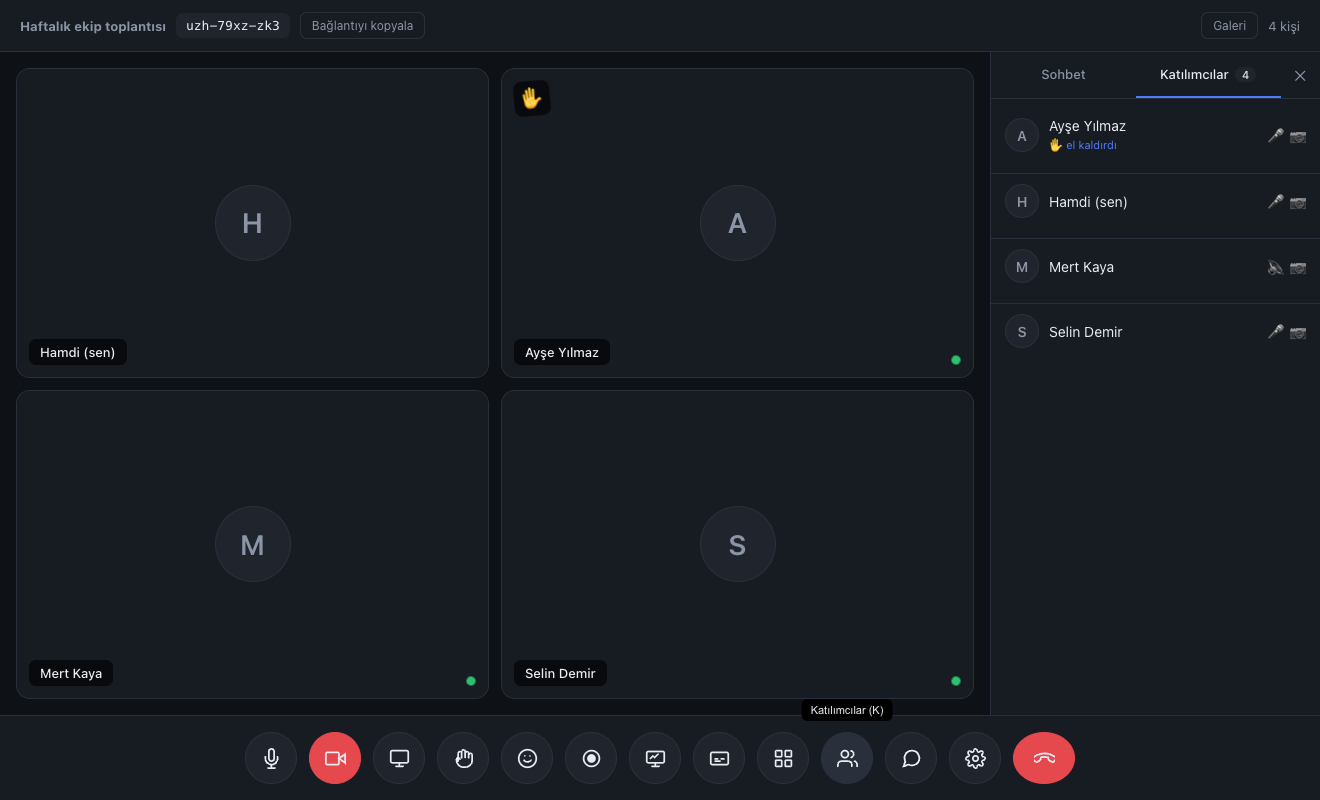
No app, no plugin, no account. They click the link and they're in the meeting.
See plansWith nobody taking notes, what was said, what was decided and what comes next were all written up.
How it worksThanks to the fixed room code they set the calendar invite up once and never sent a link again.
Read the storyA 15-minute live demo: try it with your own team, ask your questions, then decide.
Request a demoOne-click recording. Download it to your computer, or upload it to the cloud and get a shareable link.
A teammate who couldn't attend, a student who'll watch the lesson later, a meeting that will be referenced for a decision… A recording that only sits on a disk is half a thing; you need to be able to say "send me the link". But some calls are sensitive and must touch no server at all. We leave the choice to you.
Because video flows person-to-person in a mesh architecture, the recording never passes live through our server — it's composed in your browser.
When recording ends you get two options: (1) download it to your computer — it touches no server and stays entirely with you; (2) upload it to the cloud — a shareable link is generated and anyone with the link can watch.
Upload to the cloud and you get a secret link of the form orbimeet.com/k/… Even someone without an account can open and watch it, and you can delete it from your dashboard with one click.
All participant tiles are combined into one picture, screen sharing and the whiteboard included. Everyone's audio is mixed into a single track.
The filled circle icon in the bottom bar.
Everyone in the room can see that recording is in progress.
Recording stops and you're given two options.
Download and you get a .webm file; upload to the cloud and you get a shareable link.
Recording and cloud sharing are enabled on the Pro and Unlimited plans.
Compare plansNo. By default nothing is uploaded anywhere; it only goes up if you choose "upload to cloud". If you'd rather not, download it and keep it locally.
Storage is allocated by plan (Pro ~5 GB, Enterprise ~25 GB) and recordings are kept for 90 days. You can see your usage in the dashboard and delete anything early.
Because recording happens in your browser, closing the tab before you upload loses everything recorded so far. Stop and download or upload before the call ends.
Yes — the word "Recording" shows at the top for everyone. There is no hidden recording.
Lawyer, accountant, therapist, coach. Let your client join without downloading an app, while you appear under your own brand.
Split the class into groups, write on the board together, take attendance with a poll. The student needs to know nothing beyond the link.
The weekly meeting link never changes. Board, polls and file sharing live inside the call — no separate tool subscription.