Solution
Online education and private tutoring
Split the class into groups, write on the board together, take attendance with a poll. The student needs to know nothing beyond the link.
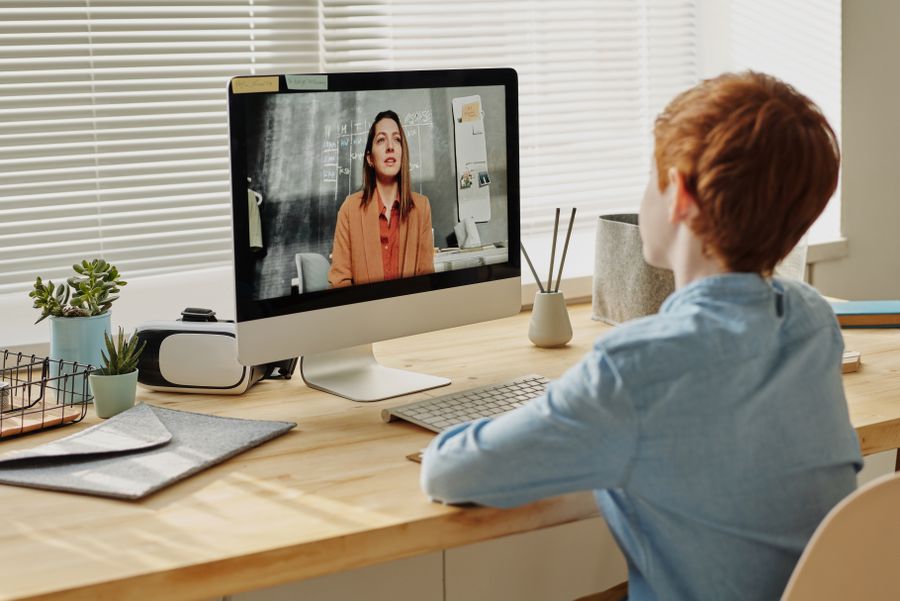
No app, no plugin, no account. They click the link and they're in the meeting.
See plansWith nobody taking notes, what was said, what was decided and what comes next were all written up.
How it worksThanks to the fixed room code they set the calendar invite up once and never sent a link again.
Read the storyA 15-minute live demo: try it with your own team, ask your questions, then decide.
Request a demoSplit the class into groups, write on the board together, take attendance with a poll. The student needs to know nothing beyond the link.
Because in most tools a lesson turns into a one-way broadcast. The teacher talks, the students stay silent. There's no group work, no solving problems together on the board, no way to measure who understood. Teaching ten people with their cameras off is like teaching a wall.
Split the class in two, in three, up to eight. Students work in their own rooms while you move between them. One click brings everyone back to the main room.
You write the question and the student writes the solution on it at the same time. Everyone sees the same board, and whoever joins late finds it already filled in.
Instead of asking "did you understand?", you put the question in a poll. While voting is open only you see the results — no student can answer by copying a friend.
A student who raises their hand moves to the top of the list. Three people don't start talking at once, and nobody misses their turn.
A student who missed the class watches it afterwards. The recording downloads to your computer and you share it with whichever student you choose.
The permanent room code is created once. Parent and student get a single link, the same one every week.
A quick poll at the start of the lesson — who's here, and do they remember last week.
You share your screen or write on the whiteboard. The student can draw on the same board.
You open the breakout rooms and the students spread out. You move between them and help whichever group is stuck.
You call everyone back to the main room and discuss the results. The recording is downloaded.
A four-person limit means one teacher plus three students. That's enough for private tutoring and small groups, not for a large class. Recording and unlimited duration unlock on Pro.
Compare plansNo. An Orbimeet meeting holds four people at most. That isn't a setting but a limit of the architecture — because video doesn't pass through our server, every participant sends a separate stream to everyone else. For a large class you'll need a different tool.
No. Only the lesson's owner and any co-hosts you appoint can clear the board. Students can only draw.
You can. The breakout panel shows live which student is in which room, and one click takes you into any of them.
Keep the waiting room on and you decide who gets in. Or lock the room and nobody can enter once the lesson has started.
Lawyer, accountant, therapist, coach. Let your client join without downloading an app, while you appear under your own brand.
The weekly meeting link never changes. Board, polls and file sharing live inside the call — no separate tool subscription.
See the customer's screen and solve the problem together. The next customer doesn't barge into the middle of the call.