Let the decision be made before the meeting ends
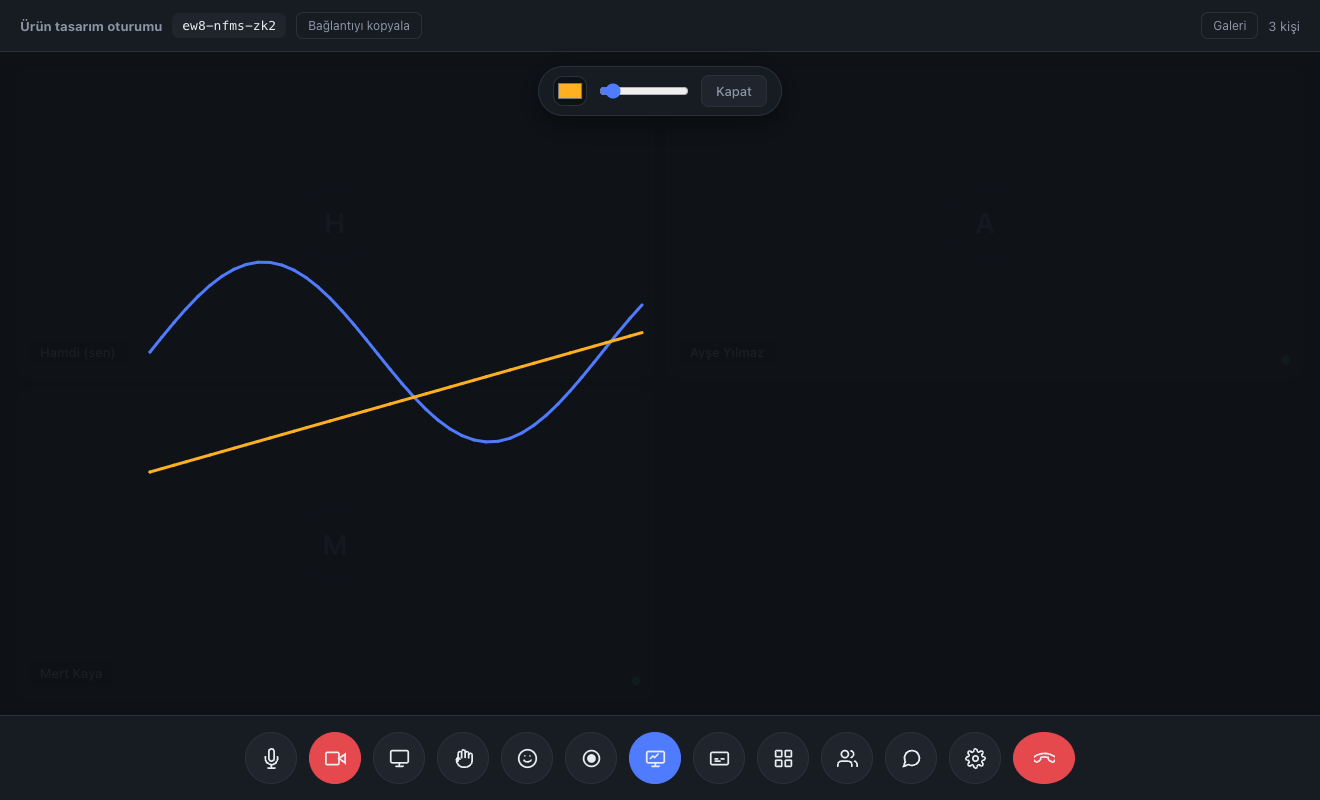
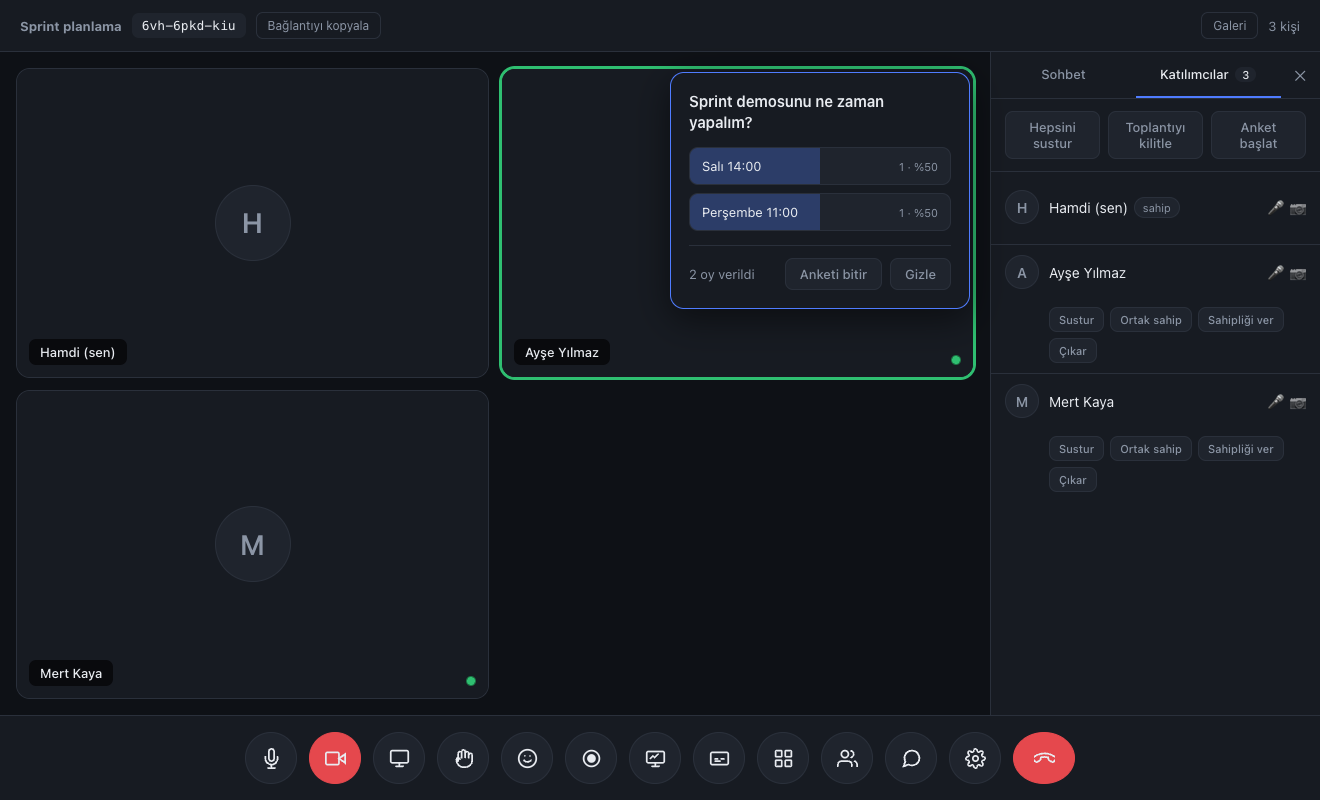
Whiteboard, polls and breakout rooms live inside the call. No separate tool subscription, no separate link, no separate login.

No app, no plugin, no account. They click the link and they're in the meeting.
See plansWith nobody taking notes, what was said, what was decided and what comes next were all written up.
How it worksThanks to the fixed room code they set the calendar invite up once and never sent a link again.
Read the storyA 15-minute live demo: try it with your own team, ask your questions, then decide.
Request a demoOrbimeet runs in the browser. The other side downloads nothing, creates no account, waits for no update. They click and they're in.

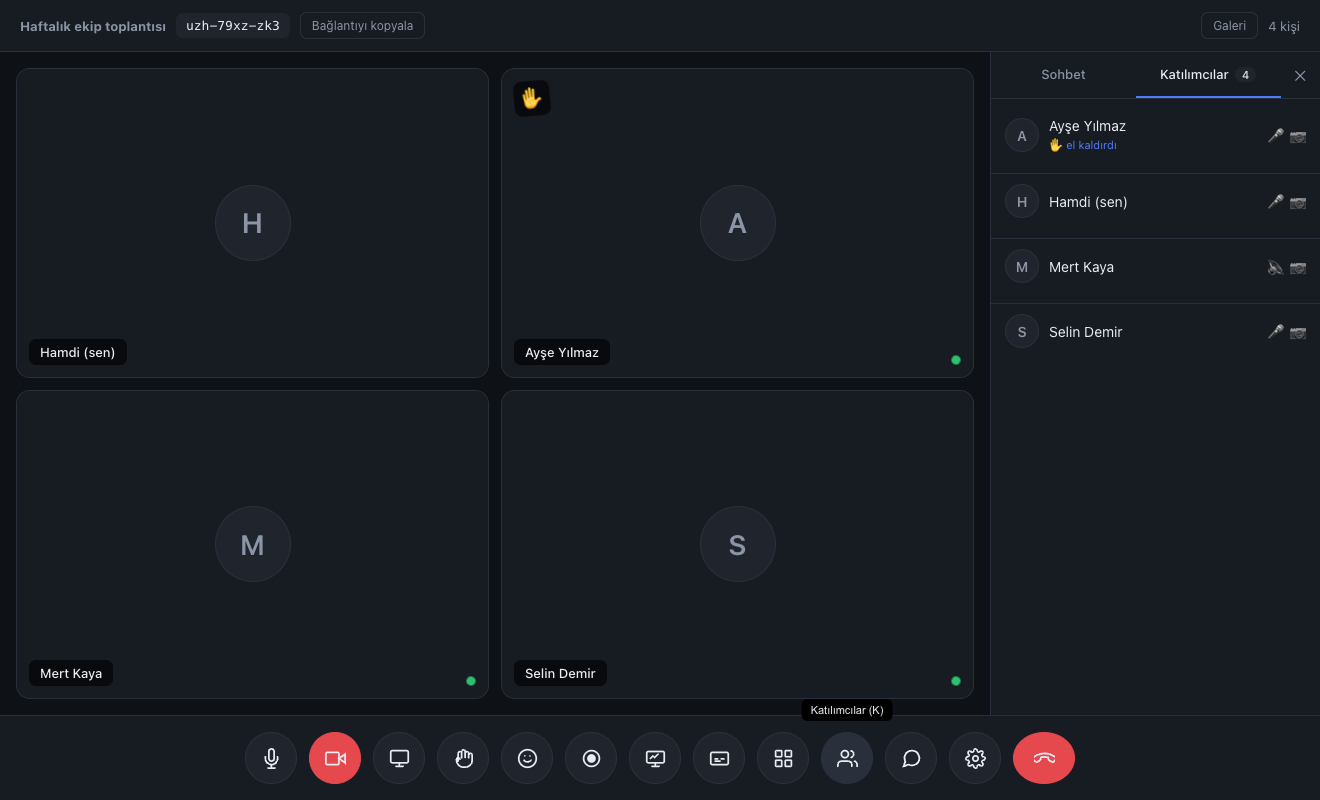




Press the button and your camera opens right on this page. No download, no account, no extension.
The video never leaves your browser. This page connects to no server.
For a real meeting the only difference is sending the other person a link. Start a meeting
Decide, draw on the board, vote and record while you talk — without switching tabs.
Whiteboard, polls and breakout rooms live inside the call. No separate tool subscription, no separate link, no separate login.

Fixed room code, calendar invite and one-click recording.
Your client sees your company name and colour, not "Orbimeet". The big platforms sell this in an enterprise tier; here it's in Pro.
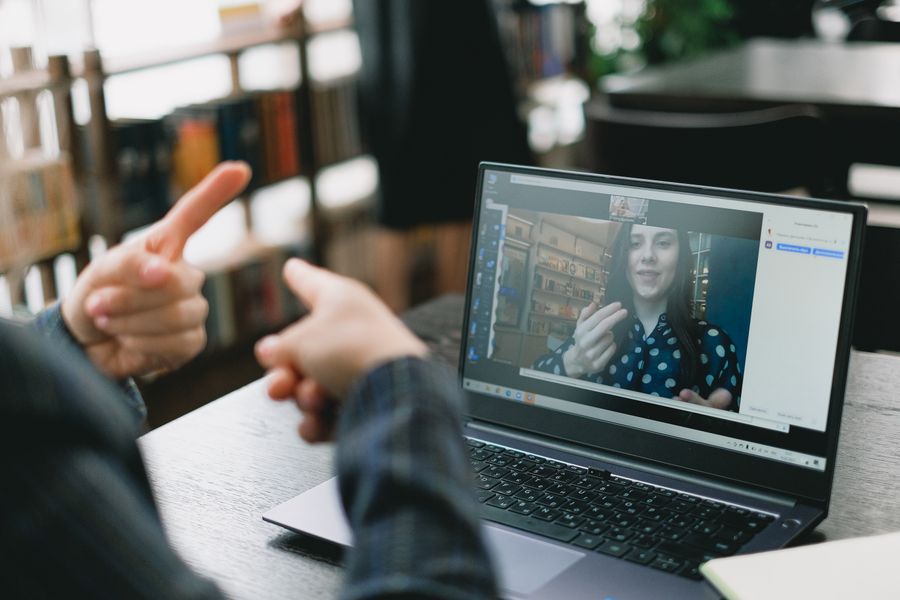
Nobody is late to an appointment because of a setup screen.
No separate whiteboard subscription, no separate polling tool, no separate file sharing.
Share tab audio too. When you play a video the other side hears it, and your own voice isn't cut off.
Everyone draws at once. Whoever joins later finds the board already filled in.
Read moreOne-click recording. Download it to your computer, or upload it to the cloud and get a shareable link — send it as "watch the recording".
Read moreWhile voting is open only you see the results. Nobody votes by looking at someone else.
Read moreSplit participants into groups, move between them, bring everyone back with one click.
Read moreSpeech turns into text as it happens. A noisy room no longer kills the meeting.
Blur it or use your own image. A messy room is no problem.
Waiting room, room password, meeting lock, mute, co-host.
One product, many jobs.
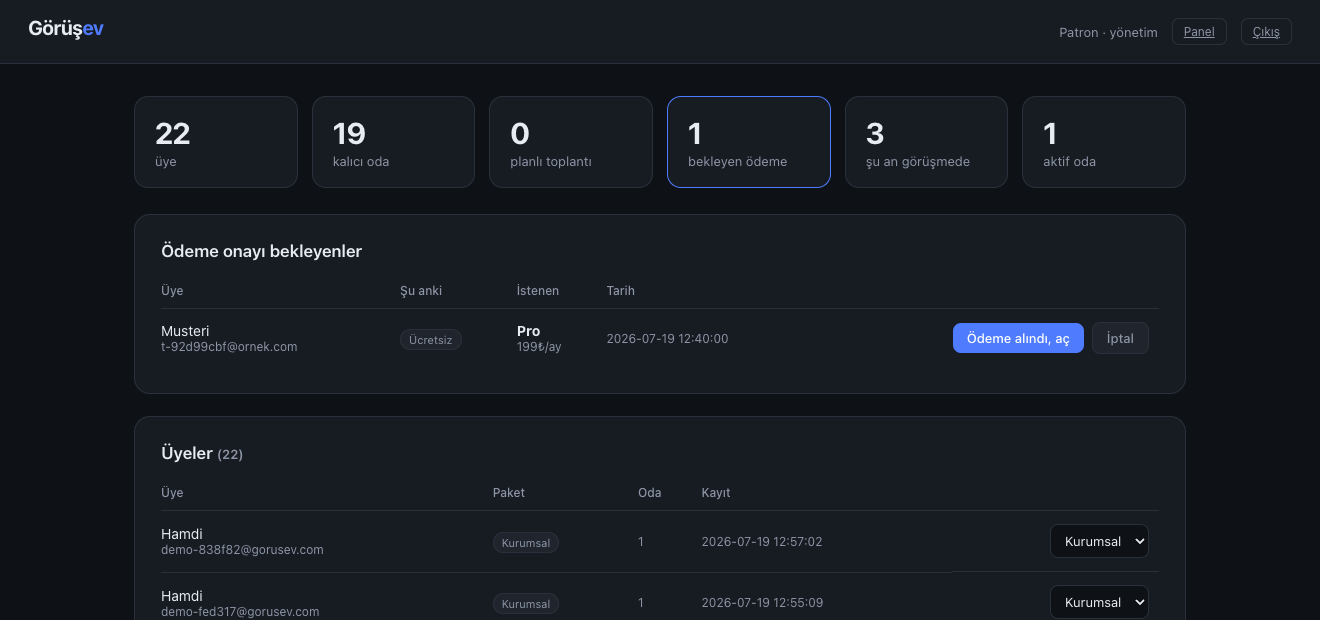

Lawyers, accountants, therapists, tutors. In a client call the most expensive five minutes are the ones spent on setup. You share a link; the other side opens it in their browser.Unlimited meeting length and your own branding on the Pro plan
Three concrete reasons — not marketing lines, but the result of architectural decisions.
In most calls audio and video flow directly between browsers and never touch our server. Only on strict networks is traffic relayed — encrypted — to establish the connection, and even then the content is neither stored nor readable.
Your client sees your company name and colour. The big platforms sell this for thousands of dollars in enterprise tiers; here it's in the Pro plan.
No app, no plugin, no "update required" screen. Your client is never 30 seconds late to the appointment.
Orbimeet is built for small and mid-sized meetings — per call, up to 4 people. If you need a 200-person webinar, cloud recording or live streaming, our architecture won't do it. If that's your need, we'd rather say so up front than waste your time.
Monthly pricing, no setup fee. Upgrade whenever you want.
For small teams and consultants
A separate permanent room for every client
Audio and video are encrypted between browsers; the decryption key never reaches our server. Even on strict networks that need a relay, we forward the packets — we cannot open them.
All traffic goes over HTTPS. It refuses to run without a certificate.
Not a single frame of a live call reaches our server. A recording exists only if you start one, and uploading it to the cloud is a separate choice you make.
Every release is tested in a real browser with a real video stream.